
10 Best SEO Tools for Ecommerce in 2026

Your store is live. Products are loaded, collections look clean, and the branding finally feels right. Then the hard part starts. You need people to find the store without paying for every single click.
That's where most ecommerce owners get stuck. The Shopify App Store is full of SEO apps that promise easy wins, and the big-name SEO platforms all claim they can do everything. In practice, most stores don't need everything. They need the right mix of tools for keyword research, technical cleanup, content production, and ongoing monitoring.
That matters because organic search is still a primary acquisition channel for ecommerce. Across retail and ecommerce, organic search generated about 39.6% of traffic in 2024, according to Reboot's ecommerce SEO statistics roundup. If your store depends on search, your tooling matters.
This guide gets straight to the point. These are the best SEO tools for ecommerce if you care about practical workflows, not feature bingo. I've grouped them by how merchants buy and use software: broad suites, technical specialists, and Shopify-native options. You'll also see how to combine them into a stack that fits your stage, instead of forcing one platform to do jobs it's bad at.
If you want the strategy behind the tools, start with SEO strategies for ecommerce growth.
Table of Contents
- 1. wRanks
- 2. Semrush
- 3. Ahrefs
- 4. Screaming Frog SEO Spider
- 5. Google Search Console
- 6. Sitebulb
- 7. Lumar
- 8. Botify
- 9. BrightEdge
- 10. Surfer
- Top 10 eCommerce SEO Tools Comparison
- How to Build Your Stack
- Choosing Tools Is Just the First Step
1. wRanks

You install an SEO app to fix rankings, then end up babysitting theme conflicts, slow pages, and a dashboard that never turns into store updates. That problem is common on Shopify. wRanks is one of the few tools built around the work merchants need to do inside the platform.
It handles technical audits, on-page edits, AI-assisted copy, schema injection, redirects, indexing, keyword tracking, and AI visibility monitoring in one Shopify-first app. Setup is fast, and it does not require theme edits or storefront JavaScript. For store owners, that matters. SEO wins do not help much if the tool creates extra developer tickets or adds friction to the buying experience.
Why wRanks stands out
wRanks fits the "Shopify-native foundation" part of this stack better than broad SEO suites because it closes the gap between finding issues and fixing them. Titles, meta descriptions, alt text, collection copy, product copy, blog content, redirects, and schema live close to the store workflow instead of sitting in a separate reporting layer.
That changes the day-to-day reality of SEO. Broad platforms are useful for research and competitive analysis. A Shopify-first tool is often what gets the work shipped.
It also covers newer visibility channels that many ecommerce tools still treat as side issues. That includes llms.txt support, AI platform brand monitoring, and geo-targeted keyword tracking. If your products are starting to surface through ChatGPT, Gemini, Claude, or Perplexity, those signals belong in your stack now, not later.
For merchants building a practical process, these ecommerce SEO best practices for Shopify stores pair well with a tool that can execute them in the same environment.
wRanks also supports multi-language SEO for Shopify Markets, JSON-LD schema injection, visual 301 redirects, robots.txt controls, and faster URL submission through Google Indexing API and Bing IndexNow. If you do not have a dedicated SEO manager, that consolidation saves real time. You are not juggling one app for schema, another for redirects, another for indexing, and a spreadsheet to hold the whole thing together.
Best fit
wRanks is a strong fit for Shopify merchants who want an operational SEO base before adding research-heavy tools around it.
- Best for fast rollout: You can get started without theme edits, which cuts down on developer dependency.
- Best for execution inside Shopify: It covers audits, content updates, schema, redirects, and indexing in one place.
- Best for lean teams: Small ecommerce teams can manage a lot of SEO work without stitching together multiple apps.
- Best for modern discovery: AI mention tracking and llms.txt support help stores monitor visibility beyond standard search rankings.
The trade-off is clear. wRanks is built for Shopify, so it is not the right foundation for Magento, WooCommerce, or custom ecommerce stacks. But that focus is the point. If this article's tool categories are the decision frame, wRanks is the Shopify-native base layer, then tools like Semrush or Ahrefs can sit on top when you need broader market research or competitor analysis.
2. Semrush
Semrush is the tool I'd pick when the job is bigger than on-page cleanup. It's built for teams that need keyword research, competitor tracking, site auditing, backlink analysis, and rank monitoring under one roof. For ecommerce brands with multiple collections, seasonal campaigns, and active competitors, that breadth is useful.
It also has serious enterprise traction. In vendor adoption data, Semrush shows 75% enterprise adoption versus 26% for Ahrefs, according to Ramp's SEO vendor category data. That doesn't automatically make it better for every store, but it does tell you which platform large organizations trust when they want one broad suite.
Where Semrush earns its keep
Semrush is strongest when you need to answer questions like these fast: Which category terms are competitors gaining on? Which collection pages need more internal support? Which product clusters deserve content around them? It's less elegant for direct Shopify-native execution, but very strong for planning and prioritization.
Its Site Audit and On-Page SEO Checker are useful for ecommerce teams that need an organized backlog rather than a raw crawl export. And the competitive research side is where Semrush really separates itself. Merchants often waste time debating what to optimize next when the market is already telling them.
For a working model of what good ecommerce optimization looks like before you load a toolset, review these ecommerce SEO best practices.
Semrush is a command center. It's not the best wrench for every task, but it's excellent for deciding which wrench to pick up.
The downside is cost creep and complexity. As users, projects, and tracked keywords pile up, the platform can get expensive. And if you only need technical fixes or only need content support, Semrush can feel like bringing a whole workshop to tighten one bolt.
Use Semrush for ecommerce SEO research and tracking if you want a broad suite and can commit to using it regularly.
3. Ahrefs
Ahrefs is the tool many SEO operators trust when competitor research and backlink analysis drive the strategy. For ecommerce, that usually means learning which sites link to competing category pages, which content topics bring in authority, and where product demand is showing up in search before your team has built pages for it.
I don't recommend Ahrefs as the only tool for most merchants. I do recommend it when you need deep keyword and link intelligence and you're willing to act on that data.
Where Ahrefs is stronger than most
Ahrefs is especially good at opportunity discovery. Its Site Explorer and Keywords Explorer help uncover product-adjacent topics, buying-guide angles, and category gaps that stores often miss because they focus too narrowly on product titles. That's useful when your catalog is solid but your search footprint is thin.
It's also a strong fit for stores that compete in crowded categories where authority matters. If your rivals keep outranking you because their supporting content and backlink profile are better, Ahrefs makes that gap obvious fast. For Shopify teams working through the foundation first, this guide to keyword research for Shopify pairs well with Ahrefs data.
A newer practical benefit is its attention to AI and answer-engine visibility through tools like Brand Radar and prompt-based checks. That won't replace classic SEO, but it gives content and brand teams another lens on discoverability.
The trade-offs are straightforward.
- Strongest for research: Competitor analysis, keyword discovery, and link intelligence are where Ahrefs shines.
- Weaker for direct store execution: It won't feel as operational as a Shopify-native app.
- Worth planning around: Exports, seats, and advanced features can shape how teams use it day to day.
Use Ahrefs for backlink analysis and ecommerce keyword research if your growth plan depends on finding gaps competitors already exposed.
4. Screaming Frog SEO Spider
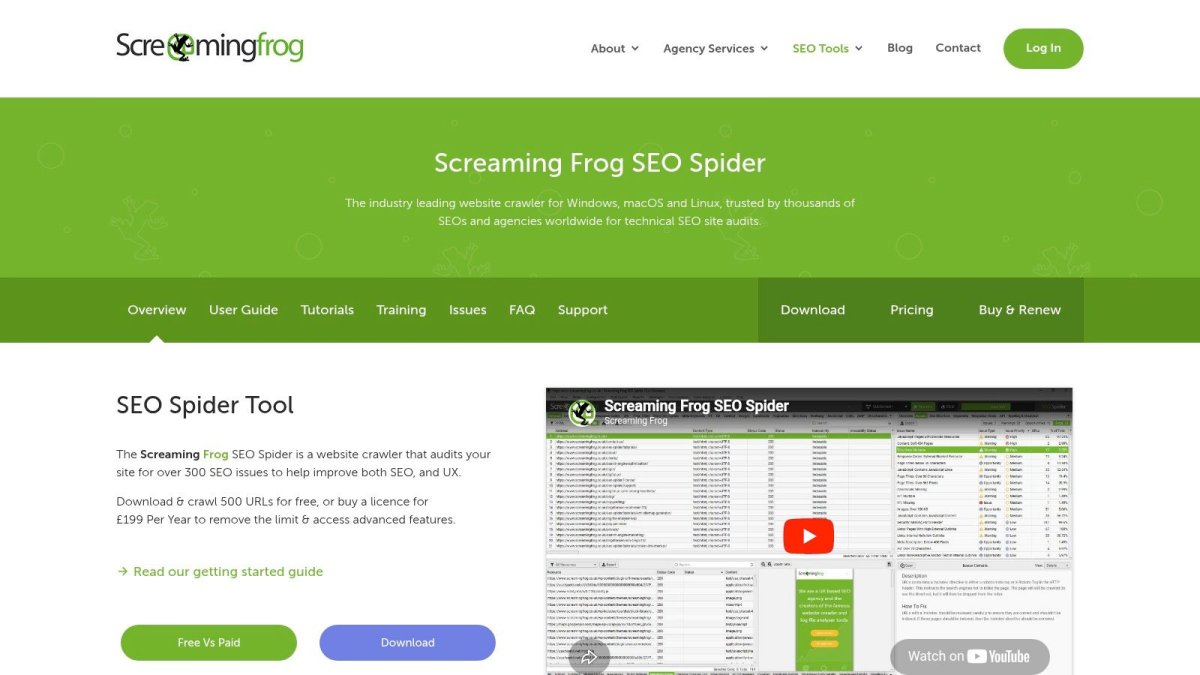
Screaming Frog is the tool you open when something feels off and dashboards aren't telling you why. Indexing weirdness, duplicate paths, redirect chains, canonicals pointing in the wrong direction, faceted navigation messes, orphan pages. Screaming Frog earns its reputation through handling these specific issues.
For ecommerce stores, that kind of crawl-level clarity matters because SEO rarely breaks in one big obvious way. It leaks. A template changes, filters spawn junk URLs, collections lose internal links, or schema disappears from key pages.
What it does better than cloud suites
Screaming Frog is faster and more hands-on than most cloud platforms for technical diagnosis. You can crawl a store, isolate issue patterns, export the problem set, and hand exact fixes to a developer or content manager. It also supports JavaScript crawling, structured data checks, sitemap audits, hreflang review, and integrations with Google Analytics, Search Console, and PageSpeed Insights.
If your store is growing fast, this is one of the best specialist tools you can keep around. It's especially useful during migrations, theme changes, or large catalog restructures. For merchants dealing with crawl efficiency and template-level issues, this overview of technical SEO for ecommerce gives the right context for what Screaming Frog surfaces.
A good crawl tool doesn't just find errors. It shows you whether the store architecture is helping search engines or fighting them.
The catch is usability. Screaming Frog isn't pretty, and it doesn't try to be. It rewards people who know what they're looking at. If you want a guided experience with more explanation and prioritization, Sitebulb is often easier for mixed-skill teams.
Use Screaming Frog SEO Spider for technical ecommerce audits when technical debt is the problem, not keyword ideas.
5. Google Search Console
Google Search Console is essential. Every ecommerce store should have it connected, verified, and checked regularly. It's free, first-party, and it shows how Google sees your site.
That makes it different from third-party SEO platforms. Those tools estimate. Search Console reports what Google is surfacing, indexing, and flagging on your store.
What store owners should actually watch
Most merchants underuse Search Console because they only look at clicks and impressions. The better use is diagnosis. Watch for indexing drops, URL inspection issues, coverage problems, and enhancement reports tied to breadcrumbs, product markup, and Core Web Vitals.
Google's own ecommerce guidance stresses practical implementation details like structured data, URL structure, pagination, and product-data handling in Google Search Central's ecommerce documentation. That's exactly why Search Console matters. It helps you see where the theory breaks on live pages.
For day-to-day SEO, Search Console is usually the source of truth for:
- Query visibility: Which searches already show your products and category pages.
- Indexation health: Which URLs are excluded, crawled, or struggling to enter the index.
- Rich result eligibility: Whether product and breadcrumb enhancements are being recognized.
Its limits are real. Competitive data is thin, historical analysis is narrower than paid suites, and workflows aren't built for prioritizing large teams. But even if you pay for Semrush, Ahrefs, or an enterprise crawler, you still need Search Console open.
Use Google Search Console for ecommerce indexing and performance monitoring because no paid platform replaces first-party visibility.
6. Sitebulb
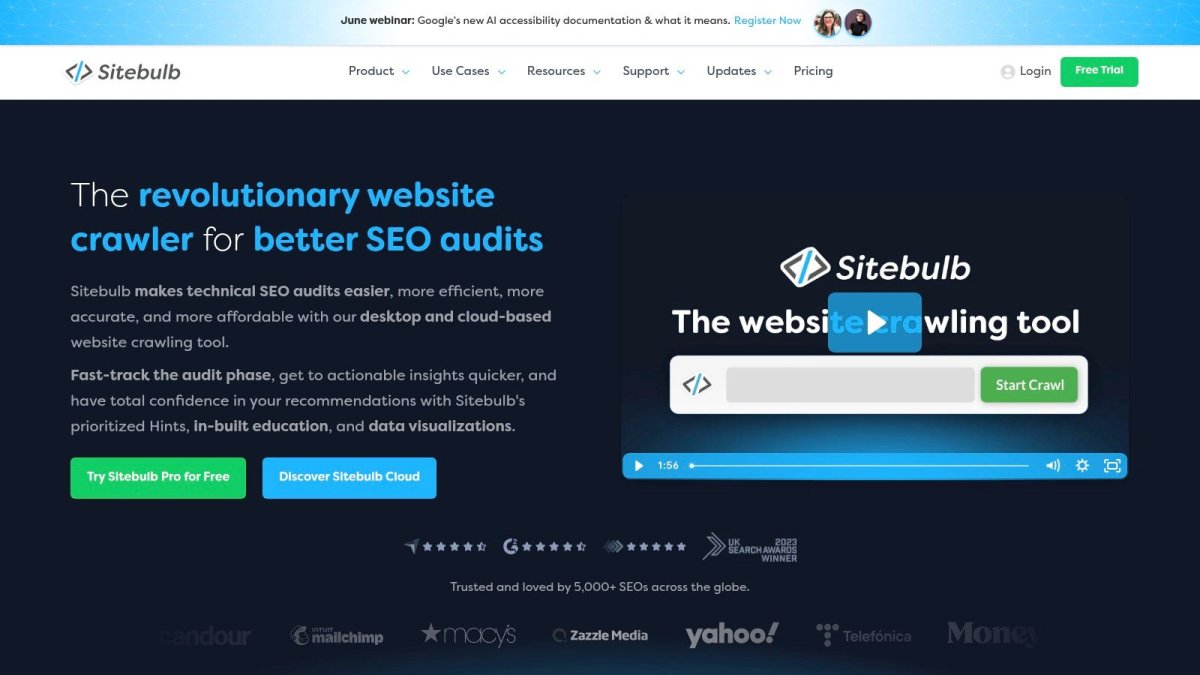
Sitebulb is what I recommend when a team needs technical audit depth without making everyone learn a more bare-metal crawler interface. It still crawls thoroughly, but it explains findings more clearly and prioritizes issues in a way non-specialists can use.
That matters for ecommerce brands where SEO work often gets split across a marketer, a developer, and sometimes an agency. If only one person can interpret the crawl, fixes stall.
Why teams like Sitebulb
The strongest part of Sitebulb is its presentation. Crawl maps, visualizations, issue groupings, and audit comparisons make it easier to explain what's wrong and why it matters. Its “Hints” system is helpful for teams that need more guidance on what to fix first.
That makes Sitebulb a practical middle ground between raw technical power and stakeholder-friendly reporting. It works well for stores that have enough complexity to need serious audits but not enough in-house SEO depth to work from exports alone.
A few strengths stand out:
- Good for collaborative debugging: Visual reports make issue handoff cleaner.
- Good for repeat audits: Comparing crawls helps after migrations or large updates.
- Good for less technical teams: Prescriptive guidance reduces interpretation errors.
The downside is that very large audits still need planning, especially on desktop setups. And if you want a more enterprise-wide governance platform, Lumar or Botify may fit better.
Use Sitebulb for visual ecommerce site auditing if you want technical clarity without the steepest learning curve.
7. Lumar
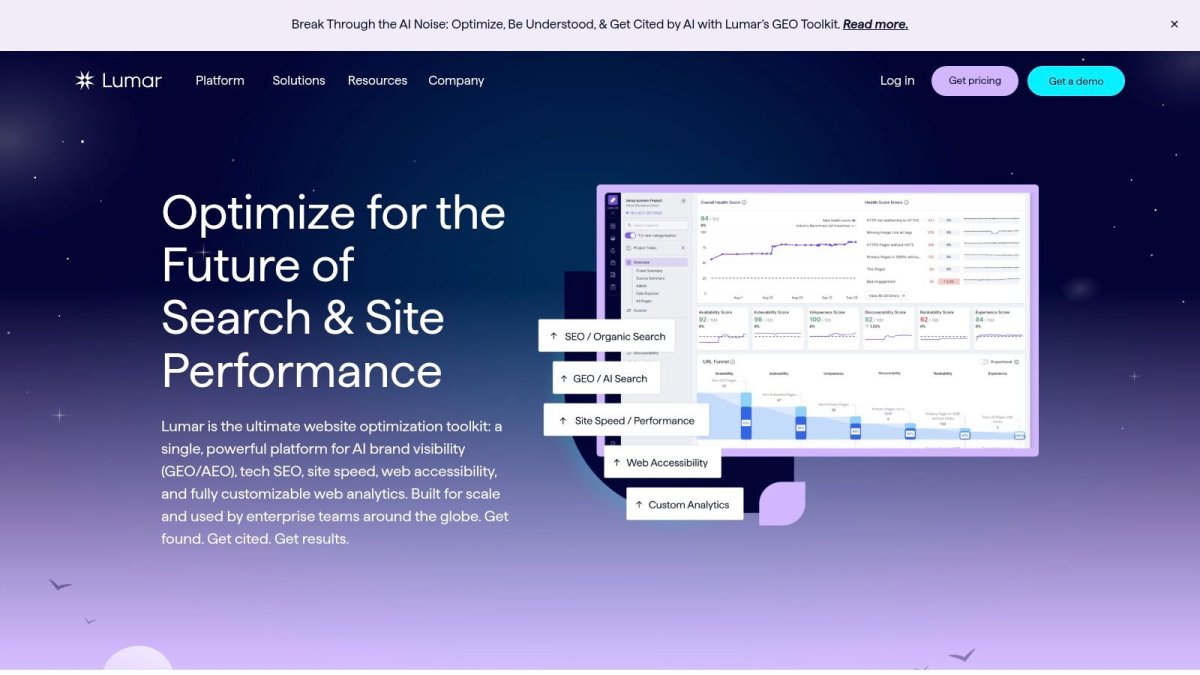
Lumar is for organizations that have moved past “we need an SEO tool” and into “we need a web governance system.” Large retailers with sprawling catalogs, JavaScript-heavy storefronts, and multiple stakeholders usually care less about isolated audits and more about continuous monitoring, accountability, and centralized visibility.
That's where Lumar makes sense. It pushes beyond classic crawling into broader site health, accessibility, and workflow management.
When Lumar makes sense
If your store architecture changes often, teams publish constantly, and technical SEO issues can show up across thousands of pages, Lumar gives you cloud-scale oversight. Its dashboards and monitoring workflows are built for environments where SEO, engineering, UX, and performance all touch the same site.
This also lines up with the broader market shift toward integrated platforms. The global SEO software market was estimated at USD 74.6 billion in 2024 and is projected to reach USD 154.6 billion by 2030, implying a 13.5% CAGR, according to Grand View Research's SEO software market report. Tools like Lumar sit squarely in that move toward larger, more integrated SEO operations.
Lumar's trade-offs are easy to predict. It's quote-based, onboarding matters, and small stores usually won't use enough of it to justify the complexity. But for enterprise retailers, “overkill” can be exactly what keeps problems from spreading unnoticed.
Use Lumar for enterprise ecommerce site intelligence if SEO is tied to governance, not just rankings.
8. Botify
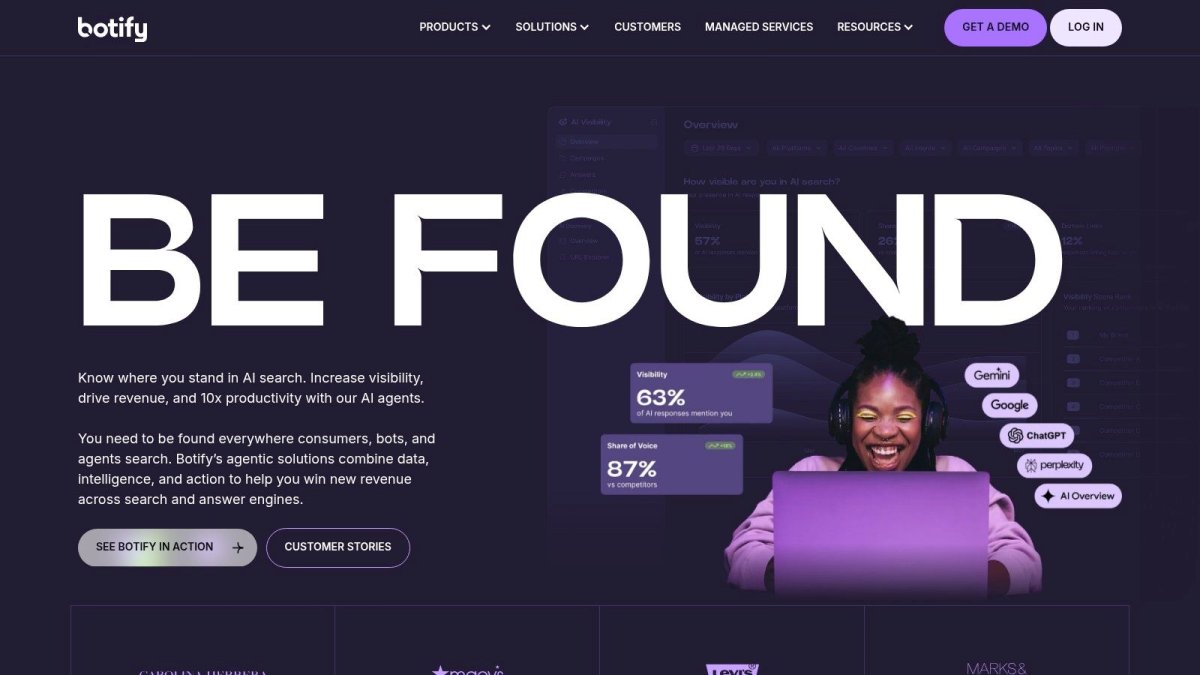
Botify is built for a very specific kind of ecommerce problem. Massive catalogs. Heavy JavaScript. Faceted navigation. Crawl waste. Important pages that should rank but keep getting buried under technical noise.
If that isn't your store, Botify may be too much. If that is your store, few tools are better aligned to the problem.
Best use case
Botify's strength is connecting crawling, rendering, log analysis, and activation. In plain English, it helps enterprise teams see not just what exists on the site, but what bots are doing with it and where crawl attention is getting wasted.
That's important for large retailers because technical SEO isn't just about finding broken tags. It's about making sure search engines spend time on money pages instead of junk URLs, stale combinations, or duplicate states.
On large stores, the real issue often isn't “Can Google crawl the site?” It's “Is Google spending time on the right pages?”
Botify tends to work best when a company already has technical SEO ownership and engineering support. The platform can help prioritize action, but it still expects a team that can implement changes and validate outcomes. Smaller ecommerce brands usually get more value from simpler stacks.
Use Botify for enterprise crawl and log-file analysis when crawl efficiency is directly tied to catalog visibility.
9. BrightEdge
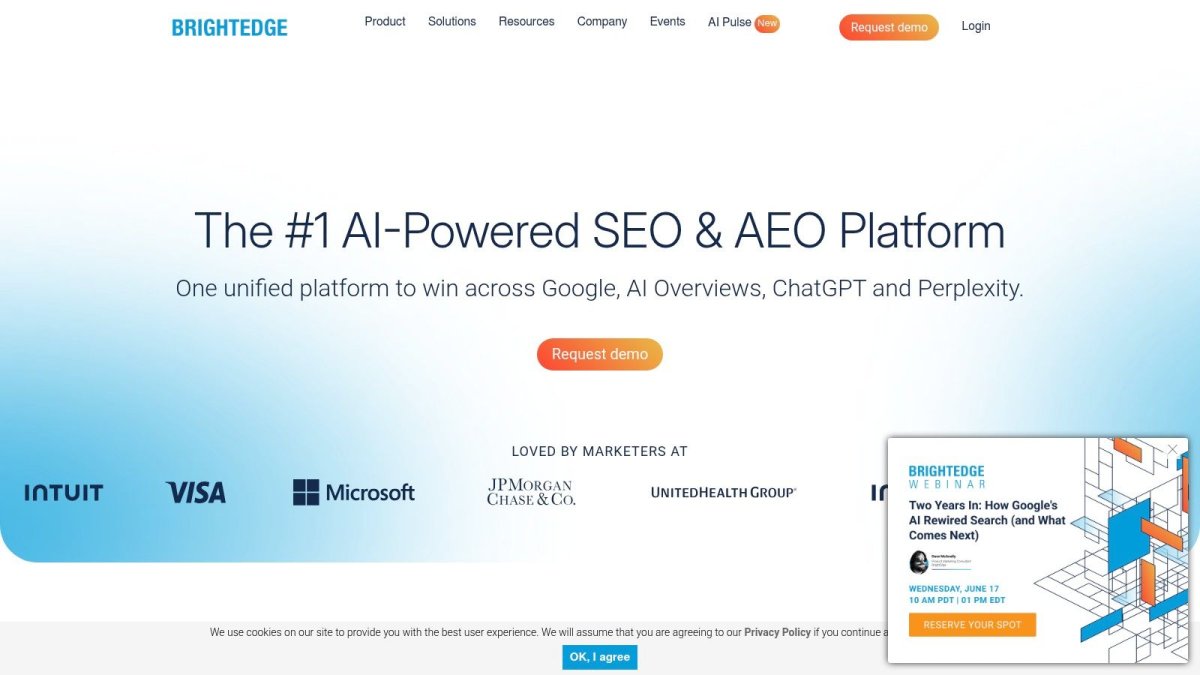
BrightEdge is one of those platforms that makes more sense the larger your organization gets. For a small or mid-sized store, it can feel heavy. For a retailer managing large inventories, multiple markets, and internal reporting requirements, that weight can be useful.
Its value isn't just in raw SEO data. It's in organizing that data for teams that need governance, workflows, and visibility across a lot of pages and people.
Where BrightEdge fits
BrightEdge is a strong fit for enterprise ecommerce teams that care about category-level performance, anomaly detection, market insights, and stakeholder reporting. If merchandising, content, SEO, and leadership all want different views of performance, BrightEdge is designed to support that environment.
The platform also fits the shift away from one-size-fits-all SEO advice. Many “best SEO tools for ecommerce” articles lump every use case together, but ecommerce SEO is split across distinct jobs like keyword research, technical auditing, schema, meta optimization, and content generation. That gap is part of what Google's ecommerce guidance highlights in practice, and it's why platform fit matters.
The downside is familiar. It's premium, quote-driven, and not ideal for merchants who just want fast tactical improvements. BrightEdge is for companies building process, not just running experiments.
Use BrightEdge for enterprise ecommerce SEO reporting and workflow management if your challenge is organizational scale as much as search visibility.
10. Surfer

Surfer is the tool I reach for when the bottleneck is content execution, not technical diagnosis. If your store needs stronger category copy, buying guides, gift guides, comparison pages, and editorial support content, Surfer makes production faster and more structured.
It's not a full SEO platform, and that's the right way to think about it. Surfer is a specialist.
Where Surfer helps most
Surfer works best for teams publishing content regularly and needing clearer on-page direction. Its Content Editor and SERP analysis workflows help writers shape pages around relevant terms, entities, headings, and structure without guessing what “optimized” means.
That's especially useful in ecommerce because supporting content often drives category and product discovery. A store can have great products and still lose organic traffic because the category pages are thin and the editorial layer never got built.
A few practical notes:
- Best for content teams: Writers and marketers can use it without deep technical SEO knowledge.
- Best for support pages: It's useful for blog posts, category intros, buyer guides, and seasonal landing pages.
- Not enough on its own: You'll still need other tools for audits, indexing, and backlink work.
Surfer can also push writers into formulaic copy if nobody applies judgment. Treat its recommendations like guardrails, not law. Good ecommerce content still needs brand voice, product understanding, and editorial taste.
Use Surfer for ecommerce content optimization when you need better on-page execution at scale.
Top 10 eCommerce SEO Tools Comparison
| Tool | Core features | UX & Quality (★) | Value & Pricing (💰) | Target (👥) | Unique selling points (✨) |
|---|---|---|---|---|---|
| wRanks 🏆 | AI on‑page copy, technical audits, schema (JSON‑LD), fast indexing, geo keyword + AI‑mentions | ★★★★☆, one‑click install, no theme edits, fast pages | 💰 Free plan → transparent paid tiers | 👥 Shopify merchants (SMB → Enterprise) | ✨ Native multi‑language for Markets, llms.txt, visual 301 manager, no storefront JS |
| Semrush | Keyword research, site audit, backlinks, rank tracking, competitive intel | ★★★★, broad feature set, steeper learning | 💰 Paid tiers; can get expensive at scale | 👥 Marketing teams, e‑commerce analysts | ✨ Largest all‑in‑one competitive dataset, market insights |
| Ahrefs | Backlink index, Keywords Explorer, Site Explorer, Site Audit, API | ★★★★☆, deep data, clear workflows | 💰 Premium pricing; add‑ons for advanced features | 👥 SEO teams needing backlink & competitor depth | ✨ Industry‑leading backlink/keyword depth, strong exports |
| Screaming Frog SEO Spider | Desktop crawler, JS crawl, schema validation, sitemap/hreflang | ★★★★, fast, technical, utilitarian UI | 💰 Low annual license, great value for audits | 👥 Technical SEOs, agencies, migrations | ✨ Desktop‑level crawl control, GA/GSC integrations, AI hooks |
| Google Search Console | Performance, coverage, URL inspection, enhancements visibility | ★★★★☆, official source, essential diagnostics | 💰 Free | 👥 All site owners & SEOs | ✨ Ground‑truth Google data for indexing & rich results |
| Sitebulb | Desktop & cloud crawling, visual reports, prioritized "Hints" | ★★★★, visual, prescriptive, good onboarding | 💰 Desktop/cloud plans; pricing varies | 👥 Teams wanting guided technical audits | ✨ Strong visualizations, prioritized fix hints, cloud scheduling |
| Lumar (Deepcrawl) | Cloud crawling at scale, dashboards, GEO/AEO monitoring | ★★★★, enterprise scale, customizable | 💰 Quote‑based (enterprise) | 👥 Large retailers, enterprise SEO teams | ✨ Scalable governance, accessibility + AI search modules |
| Botify | JS rendering like Googlebot, log analysis, activation workflows | ★★★★, enterprise focus, implementation required | 💰 Enterprise pricing & onboarding | 👥 Very large, JS‑heavy ecommerce sites | ✨ Crawl→revenue workflows, bot‑level insights |
| BrightEdge | Rank tracking, DataCube insights, auditing, StoryBuilder reports | ★★★★, robust reporting, complex rollout | 💰 Quote‑only, premium | 👥 Global enterprise retailers & teams | ✨ Enterprise reporting + governance for massive catalogs |
| Surfer | Content Editor, SERP Analyzer, NLP term suggestions, Surfer AI | ★★★★, writer‑friendly, actionable guidance | 💰 Subscription + credits; content cost scaling | 👥 Content teams, SEO writers | ✨ NLP‑driven content optimization, fast editorial workflow |
How to Build Your Stack
Most store owners make the same tooling mistake. They buy one big platform and expect it to handle research, technical SEO, content, schema, redirects, and execution inside the store. That usually ends in half-used features and a backlog that never gets fixed.
A better approach is to build around your real bottleneck. Research problem, technical problem, or execution problem. Once you know that, the stack gets simpler.
All-in-one suites
Choose an all-in-one suite if your biggest issue is prioritization. You need one place to research keywords, watch competitors, monitor rankings, and keep a running view of site health.
Semrush fits best when you want breadth and competitive visibility. Ahrefs fits best when research depth and backlink intelligence matter more. Both are strong, but neither is Shopify-native in the way day-to-day merchants often need.
Technical specialists
Use a technical specialist when the store already has demand but technical issues are blocking growth. This is common after migrations, faceted navigation changes, or aggressive app use.
Screaming Frog is the right choice if you want raw technical visibility and fast exports. Sitebulb is better when multiple people need to understand the findings. Lumar, Botify, and BrightEdge belong in larger organizations where governance, scale, and ongoing monitoring justify heavier systems.
If rankings are flat and indexing looks messy, don't buy another content tool first. Fix crawl and site structure issues before you publish more pages into a broken framework.
Shopify-native foundation
For Shopify merchants, the smartest stack usually starts with a tool that lives inside the store and handles execution where the work is done. That's why I'd treat wRanks as the foundation, not an add-on.
It covers the recurring jobs that usually break momentum: audits, meta generation, schema, blog creation, image alt text, indexing, redirects, and AI visibility monitoring. Then you only add specialists when the store outgrows the built-in workflow. That might mean pairing wRanks with Semrush for broader competitive analysis, Ahrefs for deeper backlink intelligence, or Screaming Frog for heavy technical audits.
Here's the practical version:
- New or lean Shopify store: Start with wRanks and Google Search Console.
- Growing Shopify brand: Add Semrush or Ahrefs once research and competitor tracking become a bigger priority.
- Large or technically messy store: Add Screaming Frog or Sitebulb for deeper crawl analysis.
- Enterprise retailer: Layer in Lumar, Botify, or BrightEdge if multiple teams need governance and continuous monitoring.
The best SEO tools for ecommerce aren't always the biggest names. They're the tools that fit your platform, your team, and the work you'll do every week.
Choosing Tools Is Just the First Step
A lot of store owners hit the same wall. They buy another SEO tool, run a scan, get a long list of issues, and nothing changes on the site two weeks later.
That gap between finding problems and fixing them is where ecommerce SEO usually stalls.
The stores that keep growing organic revenue tend to be boring in the best way. They review the site often, clean up technical issues before they spread across templates and collections, improve category and product pages steadily, and publish content that supports real buying journeys. Software supports that work. It does not do the work for you.
That is why choosing the right stack matters more than choosing the most famous platform. An all-in-one suite can be the right call if your team will actually use its research and reporting every week. A technical specialist earns its place when crawl waste, duplicate pages, faceted navigation, or indexation problems are holding the store back. A Shopify-native tool makes sense when your main problem is execution inside the platform, not a lack of dashboards.
For Shopify merchants, the cleanest setup usually starts with a foundation that lives where the work happens. wRanks fits that role well because it helps close the loop between audit findings and on-site changes. Then the stack can expand based on the stage of the business. Add Semrush or Ahrefs when competitive research starts shaping content and category strategy. Add Screaming Frog or Sitebulb when technical debt gets harder to spot manually. Add Lumar, Botify, or BrightEdge when multiple teams need tighter governance and ongoing monitoring.
Keep the sequence practical. Start with the bottleneck that is costing you traffic now. If pages are not getting indexed, fix that before investing in content optimization. If collections are thin and product pages are weak, improve those before paying for enterprise crawl monitoring. If your Shopify workflow is fragmented, use a tool that handles audits, schema, redirects, indexing, content support, and AI visibility in one place first.
Good stacks are built in layers, not in one shopping spree.
The best SEO tool for ecommerce is the one your team uses consistently enough to turn findings into fixes. The best stack is the one that matches your store size, platform, and operating discipline.
If you run Shopify and want one app that helps you execute SEO work instead of just reporting on it, try wRanks. It gives you a Shopify-first base for technical audits, on-page optimization, schema, AI content creation, indexing, redirects, keyword tracking, and AI visibility monitoring, without theme edits or storefront JavaScript.

About David Chen
Technical SEO engineer focused on structured data, indexing optimization, and Core Web Vitals. David turns complex technical requirements into actionable Shopify solutions.