
Shop Pay
Quick Definition
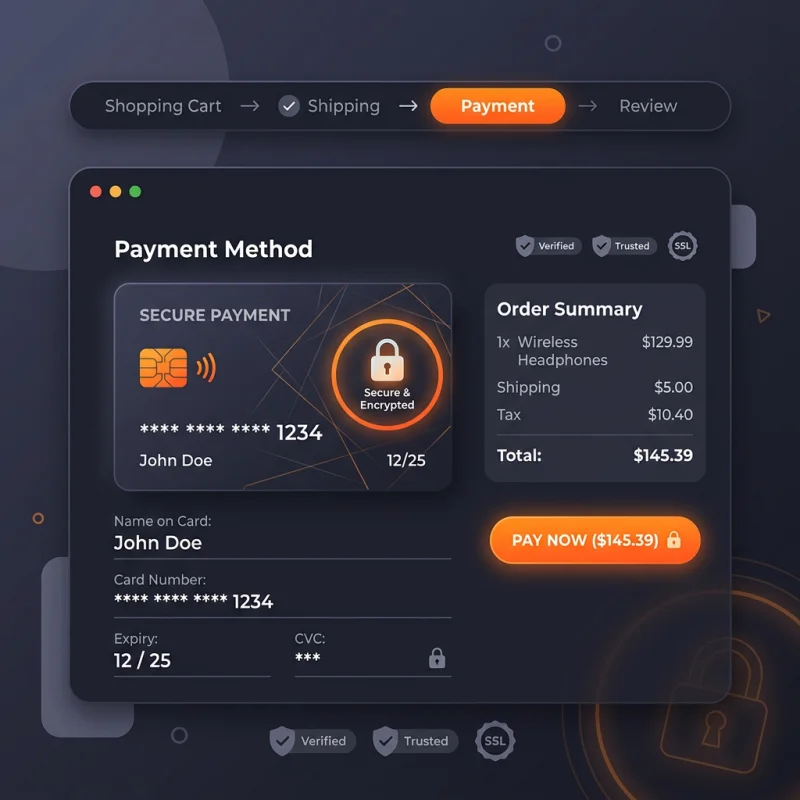
Shop Pay is Shopify's accelerated checkout service that saves customer payment, shipping, and billing details to enable one-click purchases across stores.
Table of Contents
- Understanding Shop Pay: An In-Depth Overview
- Configuring and Implementing Shop Pay in Your Shopify Store
- Enabling Shop Pay in Shopify Admin
- Customizing Shop Pay Settings
- Integrating Shop Pay with Themes
- Testing and Verification
- Strategic Business Value and Optimization of Shop Pay
- Real-World Examples and Case Studies
- Additional Resources and References
- Frequently Asked Questions
- How do I set up Shop Pay on my Shopify store?
- Can customers use Shop Pay internationally?
- What are the benefits of using Shop Pay for my business?
Understanding Shop Pay: An In-Depth Overview
Shop Pay is a proprietary accelerated checkout solution developed by Shopify, designed to simplify and expedite the purchasing process for online shoppers. By securely storing customer payment, shipping, and billing information, Shop Pay enables one-click purchases across multiple Shopify stores. This seamless experience not only enhances user convenience but also significantly reduces cart abandonment rates, which are a persistent challenge in e-commerce. According to Shopify data, merchants using Shop Pay have observed conversion rate increases of up to 20%, highlighting its effectiveness in driving sales.
At its core, Shop Pay integrates deeply with Shopify's ecosystem, leveraging secure encryption and compliance standards such as PCI DSS to protect sensitive customer data. The service supports multiple payment methods, including credit cards, debit cards, and Shopify Payments, ensuring flexibility for consumers. Additionally, Shop Pay offers features like installment payments, allowing customers to split purchases into manageable payments, thereby increasing average order value (AOV). Its global reach supports multiple currencies and languages, making it suitable for international merchants.
Configuring and Implementing Shop Pay in Your Shopify Store
Enabling Shop Pay in Shopify Admin
- Log into your Shopify admin panel.
- Navigate to Settings > Payments.
- Under Shopify Payments, click Manage.
- Ensure that Shop Pay is toggled on. If not, activate it by clicking the toggle switch.
Customizing Shop Pay Settings
Once enabled, you can customize Shop Pay options such as installment plans, shipping preferences, and customer notifications. To do this, go to Settings > Checkout and locate the Shop Pay section. Here, you can enable or disable features like one-click checkout, express checkout buttons, and installment payment options. Additionally, Shopify allows you to customize the branding and messaging associated with Shop Pay, ensuring consistency with your store's aesthetic.
Integrating Shop Pay with Themes
Shop Pay automatically integrates with your Shopify theme, displaying the checkout button prominently on product and cart pages. To enhance visibility, consider customizing your theme's checkout buttons via Online Store > Themes > Customize. You can add or modify the Shop Pay button placement, style, and messaging to optimize user engagement. For advanced customization, editing the theme code (Liquid files) may be necessary, but ensure you follow Shopify's developer guidelines to maintain compatibility and security.
Testing and Verification
Before going live, perform test transactions using Shopify's Bogus Gateway or sandbox mode to verify that Shop Pay functions correctly. Confirm that customer data is stored securely, and the checkout flow is smooth. Shopify provides detailed documentation on testing procedures at Shopify Help.
Strategic Business Value and Optimization of Shop Pay
Implementing Shop Pay can significantly impact your e-commerce performance. Its primary advantage lies in reducing friction during the checkout process, which directly correlates with increased conversion rates. Retailers report up to 15-20% higher conversions when using Shop Pay compared to traditional checkout methods. This boost is attributed to faster transactions, fewer form fields, and trust signals like secure payment badges.
Moreover, Shop Pay's installment feature appeals to a broader customer base, especially younger consumers who prefer flexible payment options. This can lead to higher average order values and improved customer lifetime value (CLV). For example, a fashion retailer integrating Shop Pay's installment plans saw a 25% increase in AOV within six months.
To maximize benefits, merchants should promote Shop Pay prominently on product pages and during the checkout process. Use call-to-action buttons like "Buy with Shop Pay" to encourage adoption. Additionally, leveraging analytics tools such as Google Analytics and Shopify Reports can help track conversion metrics and identify areas for improvement. Regularly updating your store's checkout design and messaging to highlight Shop Pay's speed and security features can further enhance user trust and engagement.
Real-World Examples and Case Studies
- Fashion Retailer: Increased checkout conversion by 18% after implementing Shop Pay, with a notable rise in repeat customers due to streamlined experience.
- Electronics Store: Saw a 22% uplift in AOV by promoting Shop Pay's installment options during the holiday season.
- Beauty Brand: Reduced cart abandonment rates by 12% through prominent placement of Shop Pay buttons and trust signals.
Additional Resources and References
Frequently Asked Questions
How do I set up Shop Pay on my Shopify store?
To set up Shop Pay, navigate to your Shopify admin panel, go to Settings > Payments, and ensure Shopify Payments is activated. Within Shopify Payments settings, toggle on Shop Pay. Customize your preferences in the Checkout settings, including installment options and branding. After configuration, test the checkout process to ensure everything functions smoothly. Shopify provides detailed guides at Shopify Help.
Can customers use Shop Pay internationally?
Yes, Shop Pay supports multiple currencies and languages, making it suitable for international customers. However, availability depends on your country and payment gateway configurations. Shop Pay also complies with international security standards, ensuring customer data protection globally. To enable international transactions, verify your store's shipping and tax settings are correctly configured for different regions.
What are the benefits of using Shop Pay for my business?
Shop Pay offers several advantages, including faster checkout, increased conversion rates, and higher average order values. Its installment payment feature attracts more customers by providing flexible payment options. Additionally, it enhances customer trust through secure encryption and compliance standards. Implementing Shop Pay can also reduce cart abandonment and improve overall shopping experience, leading to increased customer satisfaction and loyalty.
}
About Amira Hassan
Digital growth consultant specializing in AI-powered commerce strategies. Amira bridges the gap between cutting-edge AI tools and practical Shopify store growth.