
Billing API
Quick Definition
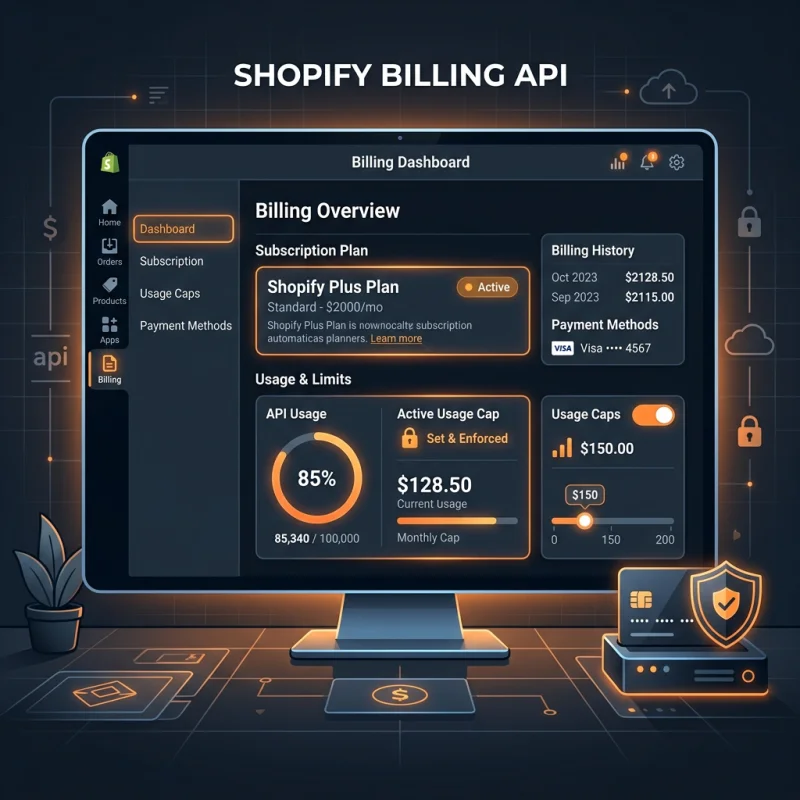
The Shopify Billing API enables app developers to charge merchants for app subscriptions, usage-based fees, or one-time purchases directly through Shopify's unified billing system.
Table of Contents
- Understanding the Shopify Billing API
- Implementing the Billing API in Shopify
- Strategic Business Value and Optimization Tips
- Frequently Asked Questions
- How do I set up a recurring billing plan for my Shopify app?
- What security measures are involved in Shopify's Billing API?
- Can I customize billing experiences for different customer segments?
Understanding the Shopify Billing API
The Shopify Billing API is a fundamental component for app developers aiming to monetize their applications within the Shopify ecosystem. It provides a standardized, secure, and flexible way to charge merchants for various services, including subscription plans, usage-based fees, and one-time purchases. Unlike traditional billing systems, Shopify's Billing API is tightly integrated with the platform's infrastructure, ensuring seamless financial transactions, compliance with Shopify's policies, and simplified management for merchants and developers alike.
At its core, the API enables developers to create billing charges that are directly linked to a merchant's store, facilitating transparent and automated billing processes. This integration not only streamlines the payment flow but also helps maintain a consistent user experience, reducing friction during app onboarding and ongoing usage. The Billing API supports multiple billing models, such as recurring subscriptions, usage-based billing, and one-time charges, making it adaptable to diverse business needs.
From a technical perspective, the API operates through REST endpoints, allowing developers to programmatically create, activate, and manage billing charges. It also offers webhook support to notify apps of billing events, such as successful payments or failed charges. This real-time communication ensures that app functionality remains synchronized with billing status, enabling dynamic feature access and customer management.
Security and compliance are paramount in financial transactions. Shopify's Billing API adheres to strict security standards, including OAuth authentication and PCI compliance, safeguarding sensitive payment data. Moreover, the API's design aligns with Shopify's policies, ensuring that app developers remain compliant while providing merchants with trustworthy billing experiences.
Implementing the Billing API in Shopify
Integrating the Billing API into a Shopify app involves several key steps, from initial setup to deploying billing flows that align with your business model. Here's a detailed walkthrough:
- Register Your App and Obtain API Credentials: Start by creating a Shopify Partner account and registering your app in the Shopify Partners Dashboard. This process provides API keys and secrets necessary for authentication.
- Configure OAuth Authentication: Implement OAuth 2.0 flow to securely authenticate your app with merchant stores. This ensures that your app can access store data and perform billing operations on behalf of the merchant.
- Create Billing Charges: Use the Shopify Billing API documentation to create different types of charges:
- RecurringApplicationCharge: For subscription-based billing.
- UsageCharge: For pay-as-you-go models.
- OneTimeCharge: For single payments.
- Handle Billing Activation and Confirmation: Once a charge is created, redirect the merchant to approve the charge. After approval, activate the charge via API calls.
- Implement Webhooks for Billing Events: Set up webhook endpoints to listen for billing events such as charge activation, cancellation, or failure. This allows your app to respond dynamically, e.g., disabling features if a payment fails.
- Test Billing Flows Thoroughly: Use Shopify's development stores and test modes to simulate billing scenarios, ensuring a smooth experience before going live.
Throughout this process, it's essential to follow Shopify's best practices for billing to ensure compliance and optimal user experience.
Strategic Business Value and Optimization Tips
The Shopify Billing API is not just a technical tool; it's a strategic asset that can significantly influence your business's revenue model and customer satisfaction. Here are key insights and tips to maximize its value:
- Flexible Pricing Models: Leverage the API's support for multiple billing types to tailor your offerings. For example, combine subscription plans with usage-based charges to create hybrid models that align with customer needs.
- Automate Revenue Collection: Automate billing cycles and notifications to reduce manual intervention, minimize errors, and ensure timely payments. Use webhook events to trigger follow-up actions, such as onboarding or customer support.
- Optimize Conversion Rates: Simplify the billing approval process for merchants. Clear communication about charges, transparent pricing, and easy cancellation options improve trust and reduce churn.
- Monitor and Analyze Billing Data: Integrate billing data with analytics tools to gain insights into revenue streams, customer lifetime value, and churn rates. Use these insights to refine your pricing strategies and product offerings.
- Ensure Compliance and Security: Regularly review your billing implementation against Shopify's policies and PCI standards. This not only avoids penalties but also builds merchant trust.
Real-world examples include SaaS apps that use recurring charges to generate predictable revenue, or usage-based billing for API services that optimize earnings based on consumption. By aligning your billing strategy with your overall business goals, you can enhance profitability and customer loyalty.
For further reading, explore Shopify's official Billing API documentation and best practices guides. Additionally, understanding the broader e-commerce billing landscape through resources like web.dev can provide insights into optimizing your billing infrastructure.
Frequently Asked Questions
How do I set up a recurring billing plan for my Shopify app?
To set up a recurring billing plan, you need to create a RecurringApplicationCharge via the Billing API. First, register your app and authenticate using OAuth. Then, create a charge specifying the price, interval, and other parameters. Redirect the merchant to approve the charge, and upon approval, activate it through the API. This process ensures the merchant agrees to the subscription terms, and your app can access the billing status via webhooks or API polling.
What security measures are involved in Shopify's Billing API?
Shopify's Billing API employs OAuth 2.0 for secure authentication, ensuring only authorized apps can initiate billing actions. All payment data complies with PCI standards, safeguarding sensitive information. Additionally, webhooks are secured with HMAC signatures, allowing your app to verify the authenticity of billing events. Shopify also enforces strict app review policies to prevent malicious billing practices, maintaining a trustworthy environment for merchants and developers.
Can I customize billing experiences for different customer segments?
Yes, the Billing API allows you to create multiple billing plans tailored to various customer segments. For instance, you can offer different subscription tiers, usage-based pricing, or promotional discounts by dynamically generating charges based on customer data. Using webhook events, you can also automate upgrades, downgrades, or cancellations, providing a personalized and flexible billing experience that enhances customer satisfaction and retention.

About David Chen
Technical SEO engineer focused on structured data, indexing optimization, and Core Web Vitals. David turns complex technical requirements into actionable Shopify solutions.