Shopify Blog Ideas That Come From Real Store Data
Shopify blog ideas that use real store data help you create targeted posts linked to products and measurable search demand for stronger engagement.

You sit down to plan your next Shopify blog post, search for Shopify blog ideas, open a blank calendar, and start recycling the same broad topics your competitors already covered. You may have plenty of products, but no clear reason for one topic to earn the next publishing slot.
Most Shopify stores don't have an ideas problem. They have a signal problem. Shopify says a blog exists to share valuable content with a specific audience consistently, which gives your planning a practical standard.
This guide shows how to turn product questions, Google Search Console demand, collection themes, and AI-search prompts into publishable topics. Each idea connects to a product or collection, one search intent, and a measurable outcome. Small businesses that blog are 23% more likely to see real returns, according to Shopify. wRanks adds the optimization layer, including meta tags, structured data, image alt text, keyword tracking, and AI-search visibility, so your next post starts with evidence instead of guesswork.
How These Shopify Blog Ideas Were Chosen
You can find plenty of topics without finding subjects your customers actually need. Shopify's guide presents 20 blog examples across industries, but examples provide inspiration rather than a store-specific planning system.
You get stronger topics when each idea starts with customer language, points to a relevant product or collection, and leaves a measurable search trail. That standard separates useful editorial opportunities from broad categories such as Shopify's Backoffice and Promotion topics.
The four signals behind the list
Each proposed topic must give you evidence that it belongs on your calendar:
- Customer language: Trace the idea to a product question, Search Console query, review phrase, or AI-search prompt.
- Catalog connection: Name the Shopify product or collection that naturally answers the topic.
- Distinct intent: Explain whether the reader wants to compare, choose, learn, troubleshoot, or buy.
- Measurable demand: Monitor impressions, queries, clicks, or AI-search appearances after publication.
The criteria every idea must pass
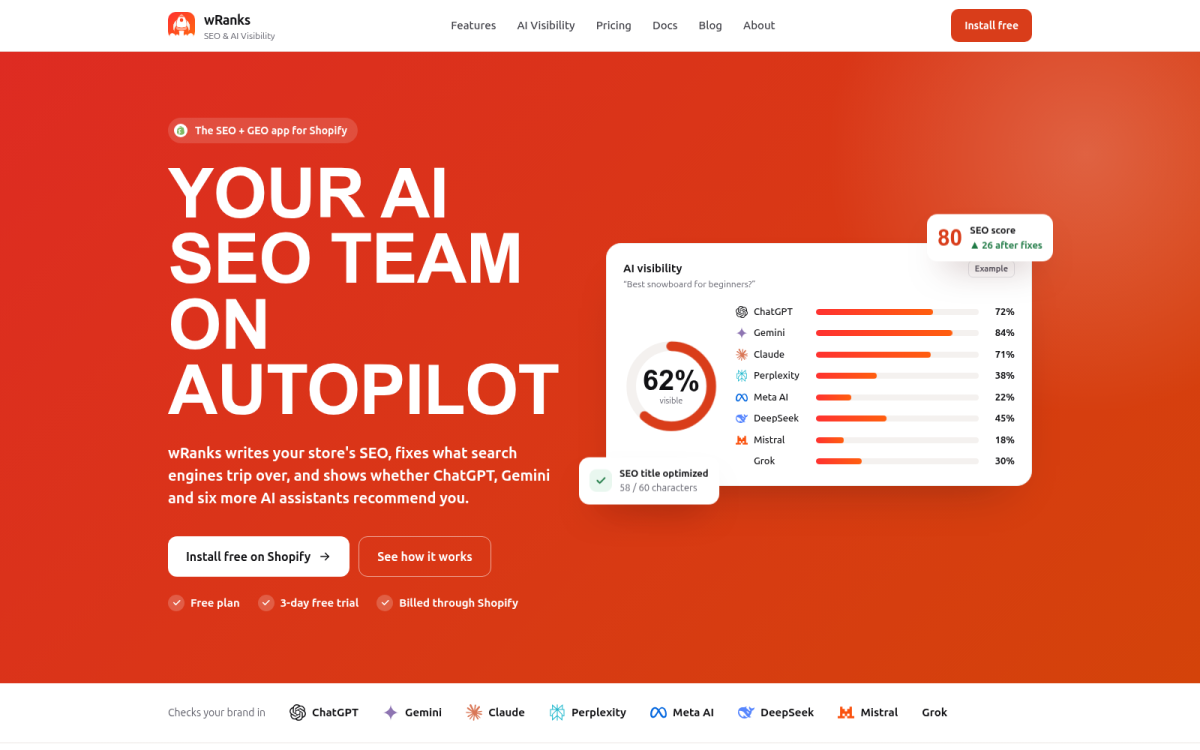
Identify the shopper's problem, the destination page, and the evidence that prompted the idea. wRanks can support this workflow with keyword tracking, Google Search Console data, and optimization for meta tags, structured data, and AI platforms. A companion guide on finding Shopify keyword opportunities fits the same evidence-first process.
Practical rule: If you can't name the shopper problem, relevant destination page, and prompting evidence, the topic isn't ready for your calendar.
Why generic inspiration does not make the cut
Seasonal filler expires quickly, vague inspiration gives you no clear search intent, and disconnected topics cannot move readers toward your catalog. Shopify describes Backoffice content as covering behind-the-scenes subjects such as funding, accounting, and insurance, while Promotion resources focus on reaching more customers. Those categories help you browse possibilities, but reject any idea that lacks a specific customer signal and product path.
Product-Question Posts That Solve the Buying Objection
Your next topic may already be sitting in a support ticket, product review, chat transcript, return reason, or on-page FAQ. Turn that exact concern into a useful post instead of disguising a product pitch as advice. The same principle applies to a focused subject: Gone Camping is a useful example of a publication organized around a clear audience.
Nearly 60% of shoppers research products online to confirm a purchase is right for them, according to Think with Google. More than 50% use Google for product research, also according to Think with Google. Your catalog already contains questions that deserve an answer.
How do you capture the right product question
Collect the customer's wording, group similar questions by objection, then choose one narrow question. Map it to one product or collection, and answer it with clear trade-offs.
- Exact wording: Save phrases such as "Will this waterproof jacket work for daily commuting?"
- Useful grouping: Sort questions into weather, fit, care, durability, and price concerns.
- Product path: Link the answer naturally to the jacket or collection that fits the stated need.
For example, a post about choosing a waterproof jacket for daily commuting can explain rain coverage, layering room, washing, and breathability before comparing suitable products. A companion guide on how to write Shopify buying guides fits the same workflow.
Which products need question-led posts
- Repeated questions: Products that attract the same pre-purchase concerns.
- Detailed comparisons: Collections where shoppers weigh several specifications.
- Preventable returns: Products with an expectation gap that better explanation could address.
How do you optimize a finished product-question post
Use wRanks to select a focused keyword, improve the meta tags, add relevant structured data, and write descriptive image alt text. Weak: "Waterproof Jackets." Strong: "How to Choose a Waterproof Jacket for Daily Commuting." Educate first, then give the reader a confident product path.
Search Console Quick-Win Posts for Existing Demand
You may already have useful topics hiding in Google Search Console, but your product and collection pages may not answer the full question behind each query. A query can earn impressions while producing few clicks because the landing page matches the product, not the searcher's wider need.
That makes existing demand more useful than a blank keyword list. Turn an underperforming query into a focused article, connect it to the right destination, and measure whether the new page earns stronger engagement.
The query pattern to find
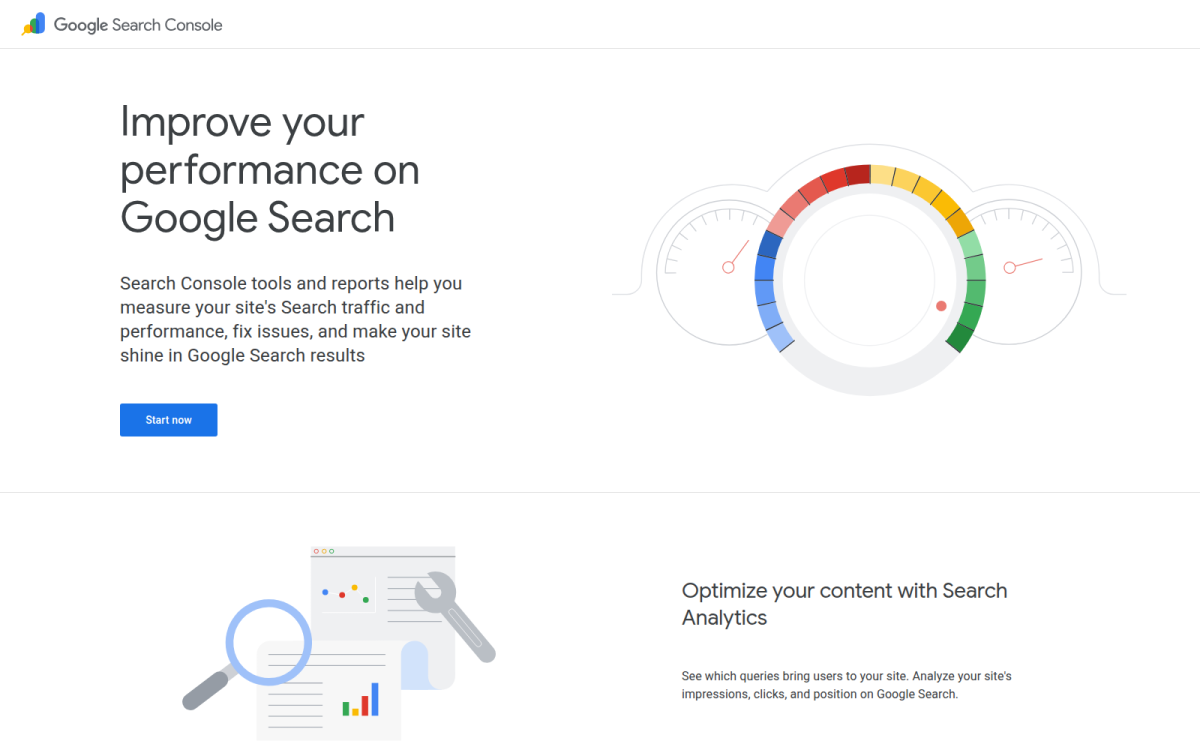
Open the Performance report in Google Search Console and filter queries connected to a product or collection. Look for impressions with a weak click-through rate or queries close to page one. These signals show that your store already appears, even if the current page does not win the click.
Export the relevant queries, group them by intent, and choose one broader question for the article. Don't repeat the query word for word or force it into a headline.
Weak: "Blue Running Shoes."
How to Choose the Right Blue Running Shoes for Daily Training: This angle answers the need behind the product search and links naturally to the strongest shoe collection.
If you want to understand the wider Search Console context, this guide to search impression share for Shopify stores fits the same measurement workflow.
Best use case
This approach works best when your store has measurable search demand but the existing landing page cannot explain a comparison, use case, or buying decision. Link the finished post to the most relevant product or collection, then record the query's baseline clicks, impressions, and position before publication.
Best for stores with measurable search demand
- Query exports: You have enough related Performance data to group searches by a shared intent.
- Content gaps: A product or collection page answers only part of what the searcher wants.
- Measured follow-up: You can track the target query, improve its title and description, and compare results after several weeks.
The trade-off is that this is a quick win, not a guaranteed ranking shortcut. wRanks can help you track the target query and optimize meta tags, but you still need to review clicks, impressions, and position after publication. A brand-new topic creates fresh demand potential; this method builds on demand your store already reaches.
Use it when Search Console shows an existing question that deserves a better answer than your current product or collection page provides.
Collection-Theme Posts That Build a Path to the Cart
A strong collection can still sit beside disconnected blog topics. Start with one product group and the customer problem it solves, then build several posts around the decisions that lead someone toward that collection.
Shopify describes brand content as a way to build a distinctive brand identity, while its conversion content focuses on turning visitors into customers and growing sales. You can do both when each post answers a real question before offering a relevant product path.
The collection pattern to expand
Choose one collection, such as reusable water bottles, and rotate through five useful angles: comparison, use case, styling, maintenance, and selection. You might publish "Which Water Bottle Insulation Works Best for Commuting?", "How to Clean Stainless Steel and Glass Bottles," and "What Bottle Size Fits Carry-On Travel?" Each topic should resolve one decision, not repeat your collection title in paragraph form. For food-related ranges, Food Festa provides a comparable example of how a focused theme can organize useful content around a catalog.
Place the collection link after the explanation earns it. Early product links can make your article feel like a catalog page, while a well-timed link gives readers a natural next step when they understand the choice.
Best use case
Use this pattern when you want your content to support both brand trust and purchase intent. Your collection page handles browsing; your blog post handles uncertainty. wRanks can help you optimize meta tags, structured data, and internal content signals, although it won't replace your judgment about which customer problem deserves coverage.
Best for merchants with focused product ranges
- One collection: Choose a product group with enough meaningful differences to support several decisions.
- One intent: Define the question your article must answer before you draft its headline.
- One supporting proof point: Add a material detail, test result, care instruction, or customer insight that supports the recommendation.
Use it if your collection solves a clear problem and you want your content to reduce uncertainty before creating a natural path to the cart.
AI-Search Answer Posts Built Around Complete Responses
Customers may ask AI platforms for a recommendation, not a keyword. They want to know which running shoes suit flat feet, what storage bin fits a small apartment, or which fabric works for humid summers.
An AI-search answer post responds with a qualified choice, clear limits, product evidence, and useful follow-up sections. It gives search systems a page they can understand while helping customers decide.
The AI-query pattern to test
Start with a complete decision prompt, then answer it before adding background. Avoid unsupported claims about health, safety, sustainability, or performance. Separate verified product facts from opinions, and show where trade-offs affect the recommendation.
Weak: "Best Running Shoes for Every Runner."
Strong: For flat feet, choose running shoes with structured support, then compare cushioning, fit, and return terms.
- Direct recommendation: State which product or collection fits the stated need.
- Useful constraints: Explain when the recommendation may not suit the customer.
- Product evidence: Support claims with materials, dimensions, construction details, or verified specifications.
- Follow-up coverage: Answer related questions about fit, care, cost, and alternatives.
Best use case
Use this format when your products have meaningful differences and customers need help choosing. Add searchable natural language, structured data, descriptive images, and accurate alt text. wRanks can support that optimization and track related terms, although no platform can promise inclusion in AI answers.
Best for merchants with differentiated products
- Specialized ranges: You sell products designed for distinct needs, conditions, or spaces.
- Comparison decisions: Your customers weigh size, material, fit, durability, or use case.
- Generative search visibility: You want clear, evidence-based content for conventional and AI search.
The trade-off is research time. Check every claim, refresh outdated details, and link to the most relevant product or collection. Use this format if your final review confirms completeness, accuracy, freshness, and a clear next step for your customer.
Three Shopify Blog Questions That Generic Lists Leave Open
Inspiration alone isn't enough. Your store's customer language, search data, and product priorities should determine which topics deserve publication.
The best Shopify blog examples
The best examples show structure you can study, not topics you should copy. Shopify's guide includes 20 examples, including the HubSpot Blog, which Shopify reports receives more than 7 million estimated organic visits monthly. Check audience fit, internal links, calls to action, and the path toward a relevant product. Even a minimal reference such as Example Domain reinforces that a domain label alone says nothing about audience fit or editorial usefulness.
Finding the best Shopify blog ideas
Find your best ideas in your customers' words, not another store's content calendar. Review support questions, Google Search Console queries, collection problems, product reviews, and AI-search prompts. Then choose topics that answer a specific need and connect naturally to your products or collections.
What Shopify blog posts are used for
Shopify blog posts should attract qualified organic demand, answer buying questions, build trust, and guide readers toward relevant products or collections. Shopify's Starting Up content focuses on foundational tasks that help businesses begin and prepare for success. That context helps, but your store signals must shape your editorial process.
Turn One Store Signal Into Your Next Published Post
You don't need another list of topics. Open the product or collection page showing the clearest customer demand, then use that page to find a useful question worth answering.
Your store already contains the evidence. The next post should begin with one page, one intent, and one measurable reason to publish.
Select one product or collection
Choose the page with the clearest customer need, not the page that looks most interesting. That page becomes the starting point for your next content brief.
Gather four types of demand signals
- Customer questions: Collect exact wording from support tickets, reviews, chat, FAQs, and product research.
- Search demand: Check Google Search Console for related impressions and queries receiving weak clicks.
- AI phrasing: Rewrite the topic as a natural recommendation or decision prompt someone might give an AI platform.
- Store priority: Confirm the answer can guide readers toward one relevant product or collection.
Draft and optimize the post
Build the brief around one search intent, one internal-link destination, supporting evidence, a proposed title, and a measurable outcome. Use wRanks to optimize meta tags, structured data, image alt text, and keyword tracking before publication.
Measure the next opportunity
- Open the page: Start with the product or collection page showing the clearest demand today.
- Write the question: Turn customer language into one specific topic.
- Check impressions: Record related queries already earning visibility.
- Test the answer: Make sure the topic supports a complete AI-search response.
- Create the brief: Set one destination and one measurable outcome.
- Set the baseline: Review performance after the post gathers data, then choose the next signal.
If you want a faster way to do this, wRanks helps Shopify stores optimize meta tags, structured data, image alt text, and keyword tracking for search engines and AI platforms, so you can turn one store signal into one publishable brief today.

Digital growth consultant specializing in AI-powered commerce strategies. Amira bridges the gap between cutting-edge AI tools and practical Shopify store growth.