Shopify for Digital Products: 3 Delivery Options
Explore Shopify for digital products with three delivery options to match your product format and buyer needs, ensuring smooth access and support.
You’ve made the sale, but Shopify for digital products still leaves support work when the buyer can’t find the download. The delivery email looks vague, the access link opens the wrong page, or the customer wonders whether a ZIP file is safe to open. Meanwhile, your product page attracts little organic traffic, even though the offer solves a clear problem.
Most Shopify sellers of digital products don’t have a checkout problem. They have a delivery and discoverability problem. Fulfillment gets the file or access link to your customer. Discoverability brings qualified shoppers to the product page. Those jobs need different decisions.
Shopify’s own file delivery, a dedicated download app, and a gated-access workflow all suit different products. The right choice depends on your product format, access control, and buyer expectations. Installing delivery software won’t write your product titles, descriptions, meta tags, structured data, or image alt text. If your Shopify search impressions aren’t increasing, SEO still needs deliberate work. This guide compares the delivery approaches, shows how each customer experience differs, and explains how to test the path from product page to successful access.
How Shopify Digital Product Options Were Screened
A download can reach your buyer quickly and still create confusion. Judge the full path, from product page and payment through delivery, access, and support.
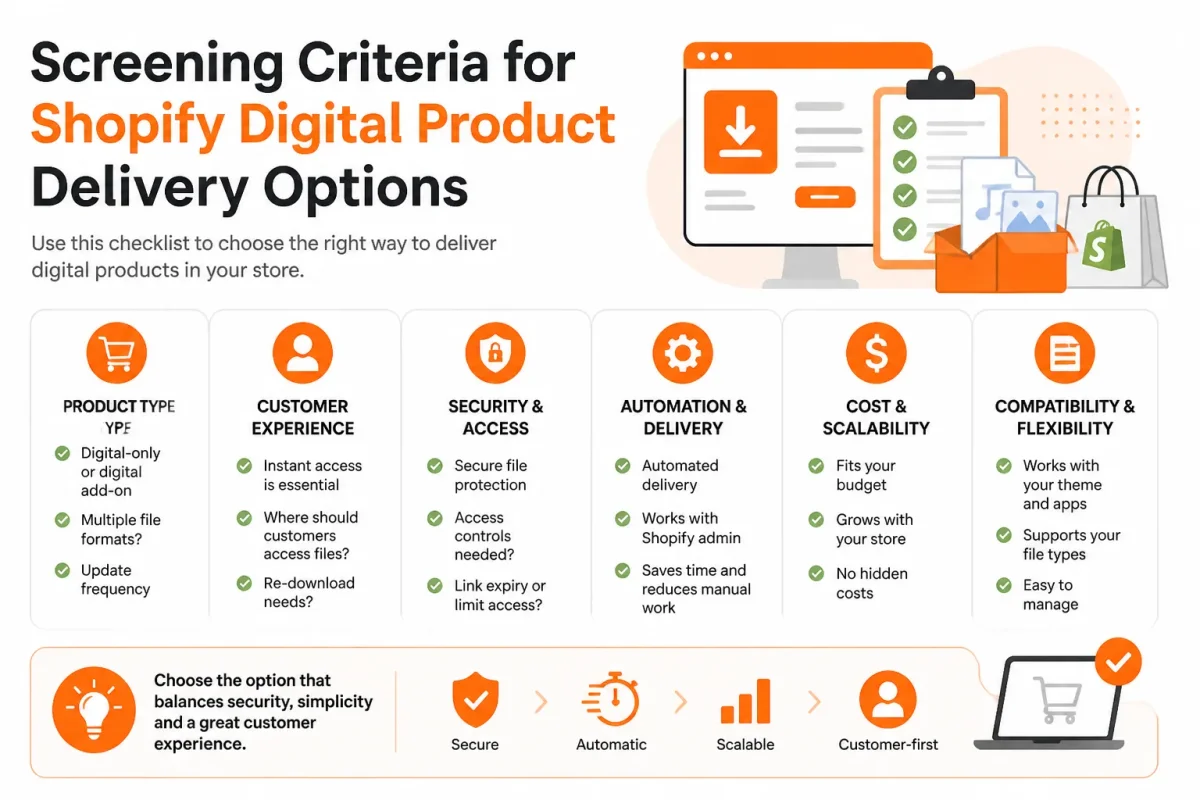
This shortlist compares Shopify Digital Products, SendOwl, and Sky Pilot by delivery model rather than app popularity. The comparison uses the same practical questions for each option.
The delivery criteria that matter after checkout
Check what each workflow delivers, when access arrives, and whether your buyer understands the next step. Shopify’s app supports downloads, files, links, and other formats, according to the Shopify App Store, including links to Notion pages, cloud storage, courses, and booking pages. See the Shopify App Store listing for Digital Products.
- Format: Confirm whether your product is a file, link, course, booking, or hybrid offer.
- Access: Identify delivery timing, link controls, and any file or access limits.
- Clarity: Check whether your buyer knows where and how to start.
- Maintenance: Estimate setup, updates, support, and ongoing cost.
What the shortlist rules out
You won’t find a popularity ranking or unsupported price claims here. The comparison excludes workflows that can’t be described clearly across simple files, controlled fulfillment, and richer gated access. Shopify also supports products that combine physical and digital goods, according to the Shopify App Store. Review Shopify’s hybrid product capability.
Why product-page SEO stays in the comparison
Every delivery route still leaves you responsible for the product title, description, meta tags, structured data, and image alt text. wRanks can help you optimize those Shopify pages and track search performance, but delivery apps don’t replace SEO strategy. A companion guide on why products appear in AI answers fits this same product-page workflow.
Practical rule: Test delivery and product-page SEO together before adding more digital products.
Shopify Digital Products
For an ebook, template, preset, or video, Shopify Digital Products, also called Digital Downloads, is a straightforward first test.
Create the product in Shopify admin, uncheck the physical-product setting, turn off inventory tracking, install the free app, and attach a file or link. Shopify says delivery can happen immediately after checkout through email or the order status page. Shopify’s App Store documentation also lists support for ebooks, PDFs, templates, digital art, fonts, audio, presets, and videos up to 5GB per asset.
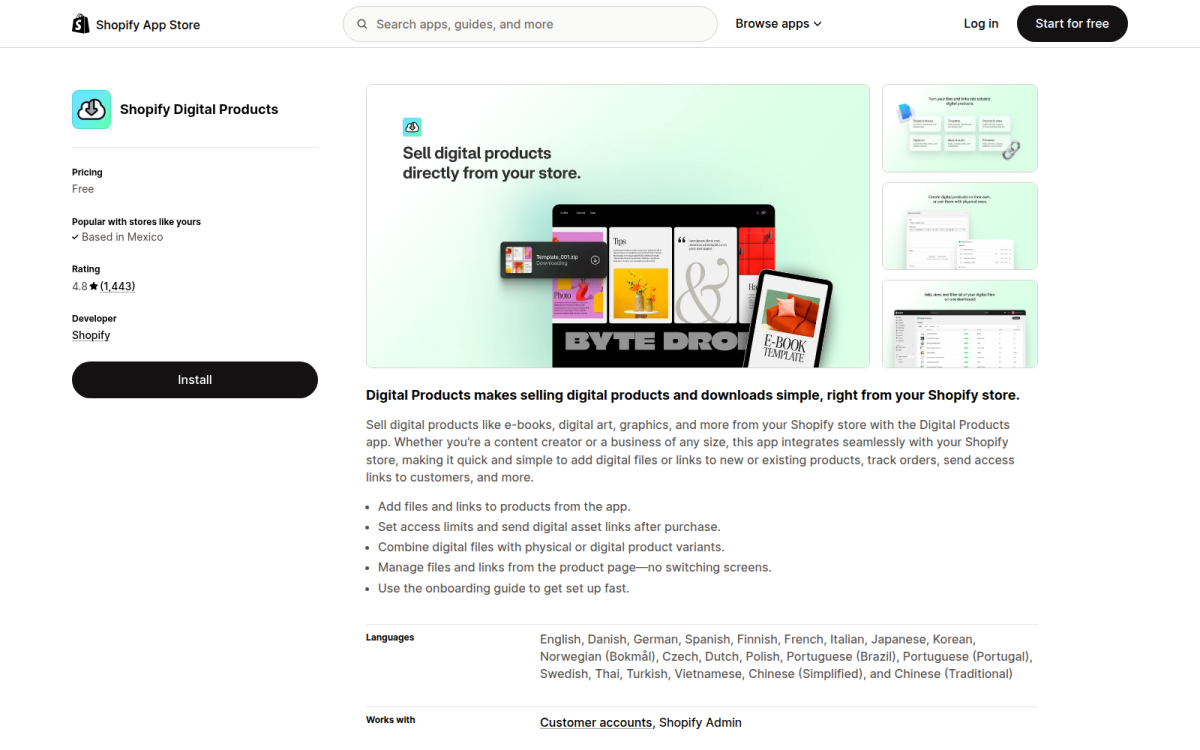
Best use case: one-time downloads with a simple delivery path
A useful screenshot would show the product editor with “This is a physical product” unchecked, inventory tracking off, and the delivery app attached. Shopify’s Help Center confirms this setup and allows download limits when you need basic access control. Its setup instructions cover both email delivery and order-status-page downloads.
Weak setting: “Send customers to the order page.”
Download your 2026 Lightroom Preset Pack: “Your email contains a secure download link, available for 3 downloads.”
Best for
- Simple files: PDFs, ZIP files, audio, art, or presets.
- Fast setup: Familiar Shopify administration with minimal configuration.
- Small catalogs: Automatic delivery without complex memberships.
What works
- Low friction: Files or links can arrive immediately after checkout.
- Broad formats: Assets up to 5GB each.
What fails
- Advanced entitlements: You may outgrow basic download limits.
- Gated content: Courses or member libraries need another workflow.
The trade-off: simple delivery is not a complete digital commerce workflow
The app handles delivery, not search visibility. You still need focused product copy, meta tags, structured data, and descriptive image alt text. For a broader checklist, see Shopify SEO basics. wRanks can optimize those Shopify pages and track performance, but it can’t replace a stronger access system. Use this option when an ordinary downloadable product needs a quick, familiar starting point.
SendOwl
When a file attached to a Shopify product isn’t enough, SendOwl is a dedicated digital-delivery service to evaluate for downloads, customer emails, and access handling.
You still manage the product page in Shopify. SendOwl handles the delivery workflow, while your Shopify page remains responsible for merchandising, metadata, structured data, and search visibility.
Screenshot focus: Check the buyer journey from payment confirmation to access, including the delivery email, download link, and any expiry or re-access behavior.
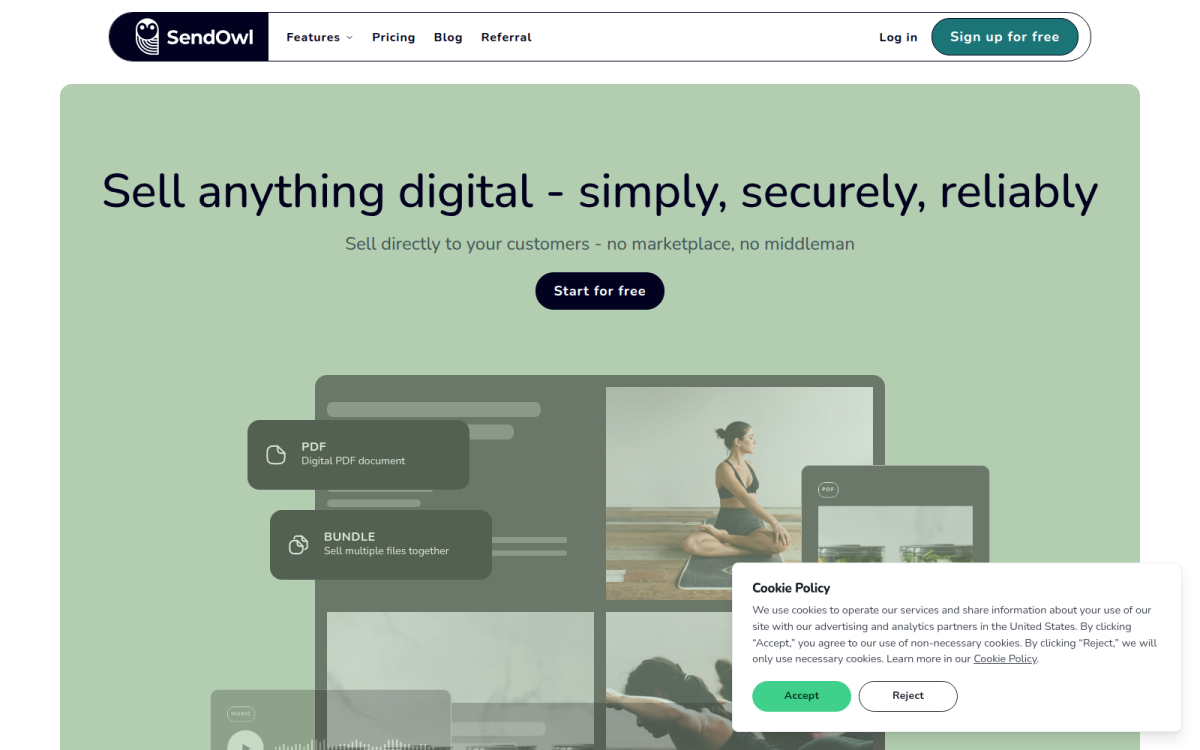
Best use case: a catalog that needs more deliberate digital fulfillment
SendOwl fits when you sell several digital products and need a documented, tested delivery process. Check whether its controls meet your requirements, then confirm current plan details on the official SendOwl service.
What works
- Delivery control: Assess whether its workflow suits your access and fulfillment rules.
- Customer communication: Shape delivery emails and set clear expectations in a dedicated service.
- Operational testing: Test links, messages, and buyer access before launch.
What fails
- Added setup: You introduce another account, integration, and configuration surface.
- Support risk: You may create new questions when Shopify, payment, and delivery records differ.
- Search gap: You still need Shopify product copy, meta tags, structured data, and image alt text.
The trade-off: an additional service can add configuration and cost
Weak email: “Your order is ready.” Strong email: “Your Lightroom Preset Pack download is ready. Use the secure link below, then save the ZIP file to your computer.” Clear instructions reduce avoidable support work.
Use SendOwl when your catalog needs deliberate fulfillment controls and you’ll document the buyer journey before checkout. wRanks can optimize the related Shopify page, but it can’t replace SendOwl’s access workflow.
Sky Pilot
Sky Pilot suits Shopify stores selling gated content, courses, memberships, or organized digital libraries where access needs its own destination.
That richer experience can make a large offer easier to use, but it can confuse buyers expecting one immediate file. Explain the access model on your product page, then test the journey as a new customer.
Weak: “Your content is available.”
Strong: “Your Lightroom Course is ready in your customer library. Sign in using the email from checkout.”
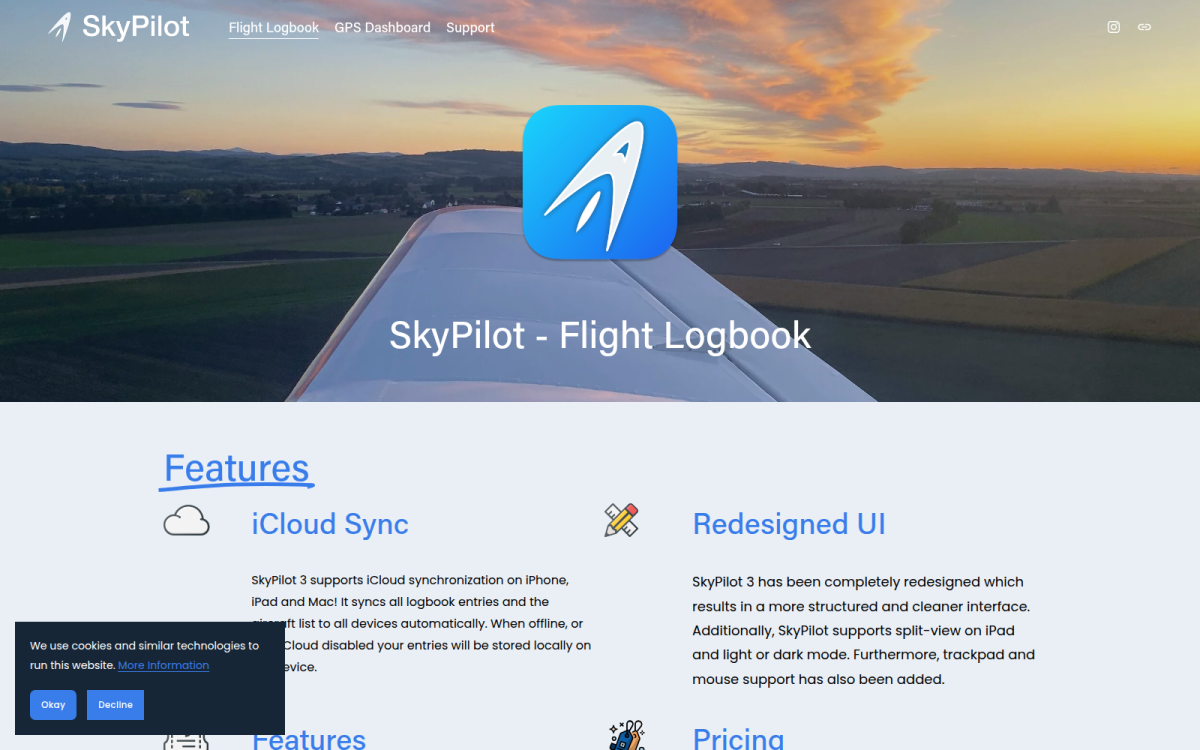
Best use case: digital products with a richer access experience
Use Sky Pilot when your offer needs organized, continuing access rather than a single attachment. A screenshot or short product-page explanation should show what appears after payment.
Best for
- Gated content: Customers return to a controlled library.
- Structured courses: Lessons or resources appear in an intentional order.
- Membership-style offers: Access instructions go beyond one download email.
The trade-off: more control requires a clearer onboarding path
You may need more setup, customer-service documentation, and recovery instructions. Don’t send an instant-download buyer through an unclear portal. Verify current features and pricing on Sky Pilot’s official site before choosing it.
What works
- Clear access promise: Show exactly what the buyer receives.
- Tested journey: Place a test order and follow every email.
What fails
- Hidden destination: Customers have to guess where their content lives.
- Weak recovery: There are no sign-in or lost-access instructions.
wRanks can optimize the Shopify page while Sky Pilot handles the access experience. Use it when the product genuinely benefits from organized, continuing access.
Shopify for Digital Products: Where Each Delivery Approach Fits
Match the delivery method to your product, buyer, and support capacity. A simple download doesn’t need the same setup as gated content or a structured digital library.
The trade-off is straightforward: native delivery keeps the workflow simple, while dedicated services add control and operational work.
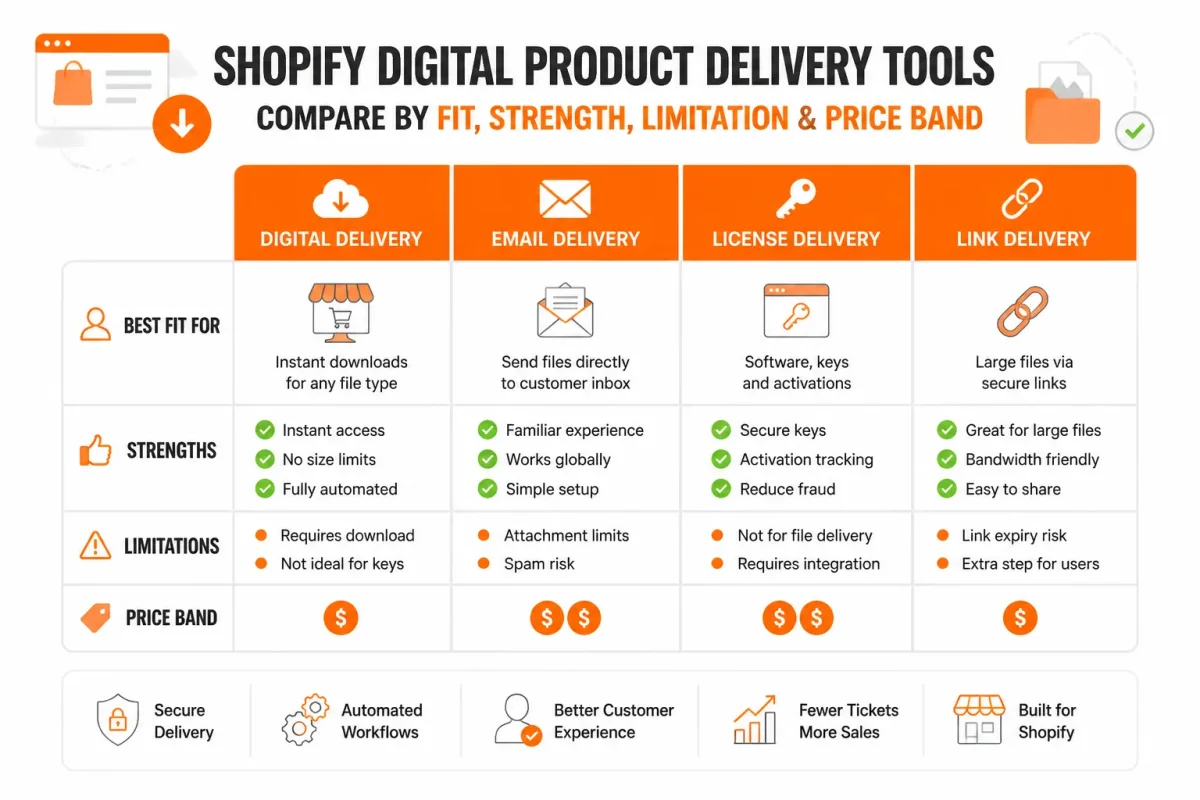
What the table reveals about simplicity versus control
| tool | best for | strength | limitation | price band |
|---|---|---|---|---|
| Shopify Digital Products | Small catalogs of ordinary downloadable files or links | Simple native Shopify workflow and free app starting point | May not fit complex access-control or portal requirements | Free app |
| SendOwl | Merchants needing a dedicated digital-fulfillment layer | A separate workflow to evaluate for delivery controls and customer emails | Adds another service, integration, and support surface | Paid service; verify current plans |
| Sky Pilot | Gated content or structured customer access experiences | A broader access workflow for digital offers beyond one file | More setup and buyer education than an immediate download | Paid service; verify current plans |
SEO isn’t a column because choosing an app doesn’t solve it. You still need an optimized Shopify product page with search-focused copy, useful meta tags, structured data, and descriptive image alt text.
Why delivery-app choice does not replace SEO
Searchers need to understand the offer before they buy. Weak example: “Preset Pack 01.” Strong example: “Warm Film Lightroom Presets for Indoor Portraits.” wRanks can help you optimize that Shopify page for search engines and AI platforms, whatever delivery option you select.
Choose the delivery setup that matches your product and buyer
Your product type should decide the delivery method, not a universal “best” app. For a few ordinary files, Shopify Digital Products keeps your first launch simple. Shopify’s App Store lists its Digital Downloads app as free, and Shopify allows a digital product file up to 5GB or a content link, according to the Shopify App Store and Shopify Help Center.
That route works for PDFs, ebooks, templates, presets, audio, or video when immediate delivery is enough.
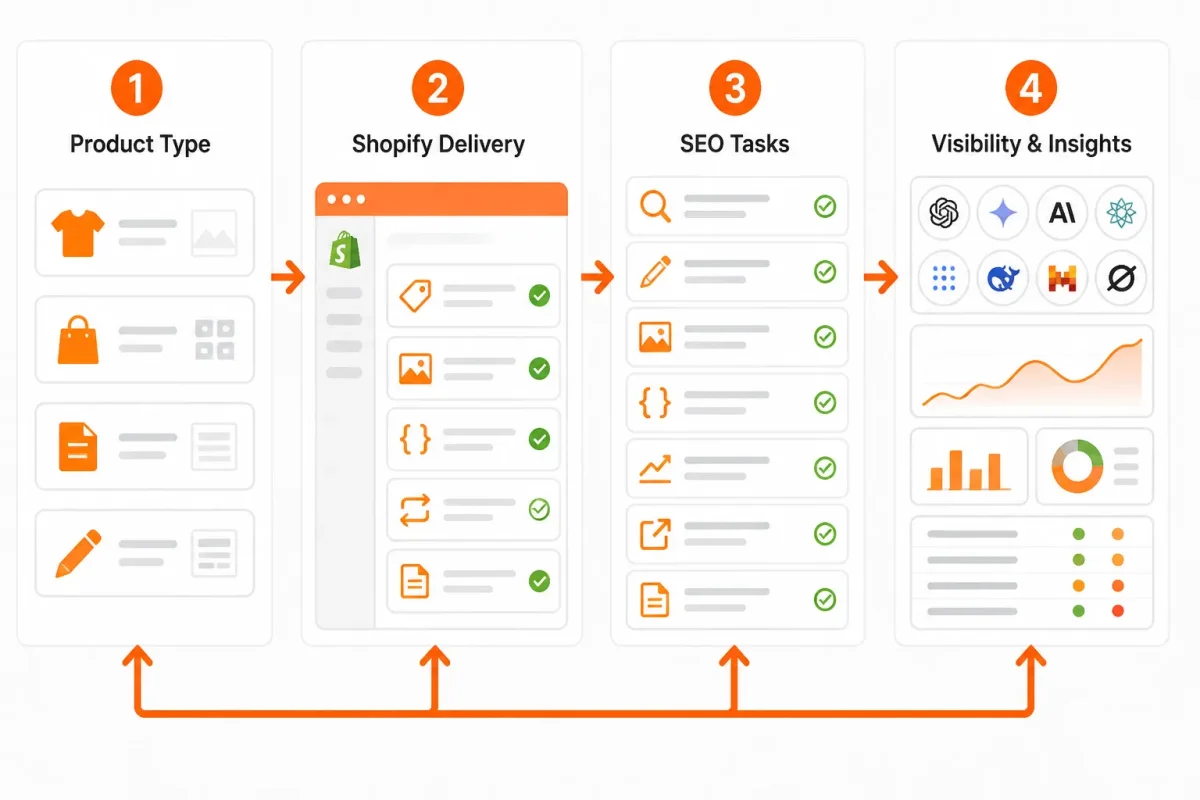
If you sell a few files and want the fastest launch
Choose Shopify Digital Products for a small catalog and a straightforward download. Test the customer email before promoting your first product.
If delivery control matters more than minimum setup
Evaluate SendOwl when your fulfillment rules, email handling, or access limits deserve a dedicated service. You’ll trade simpler setup for more control.
If the offer includes gated or continuing access
Evaluate Sky Pilot when buyers need a structured destination for courses, memberships, or protected content rather than one file link.
- Delivery mode: Confirm whether your customer expects a download, link, or gated account.
- Checkout explanation: State timing and access instructions before payment.
- Fresh purchase: Buy with a new customer account and follow every step.
- Recovery path: Verify each email, link, limit, and replacement process.
Then optimize your Shopify page with wRanks. Weak example: “Preset Pack 01.” Strong example: “Warm Film Lightroom Presets for Indoor Portraits.” Add structured data, descriptive image alt text, search-focused copy, keyword tracking, and Search Console insights in the same workflow.
Questions About Shopify for Digital Products
You may know which files you want to sell but still be unsure about the right Shopify setup or where administration begins. Your Shopify login manages the store. A delivery workflow gives buyers access to what they purchased.
What is the best Shopify option for digital products
There is no universal winner for Shopify for digital products. Start with Shopify’s native Digital Products app for simple files and links, such as an ebook or template. If you need controlled downloads, customer access rules, or an organized content area, evaluate a dedicated delivery service instead.
How do I log in to Shopify
Log in through Shopify’s official sign-in flow using the account connected to your store. After signing in, you reach the Shopify admin, where you manage products, orders, customers, apps, and settings. This merchant login doesn’t deliver files automatically, so you still need to configure your chosen fulfillment method.
Where is the Shopify login page
The Shopify merchant login page is separate from your customer’s download link, account area, or gated-content destination. Use the merchant page to administer your store. Your buyer uses the delivery workflow after purchase. Signing in provides administration access, not fulfillment, Google visibility, or AI-search optimization for your product pages.
Start with one tested product before expanding your digital catalog
You can choose a Shopify delivery app quickly and still miss the customer’s real experience. Your first product should expose the hardest access, email, or support issue in your catalog.
Use one complete purchase as the gate. You’ll learn more from a real buyer journey than from enabling an app across every product.
-
Select the product that exposes the most delivery risk
Choose: Start with one product that requires the most from your workflow, such as a video course, template bundle, or gated resource. Describe what the buyer receives, when it arrives, and how access works.
-
Test checkout, email, access, and support instructions
Test: Complete a real purchase using a fresh customer account and, where practical, a mobile device. Check checkout, confirmation, email delivery, downloads or portal access, and your recovery instructions.
Weak example: “Your files are available after purchase.”
Strong example: “Your Canva template bundle arrives by email within five minutes. Use the download link to access the ZIP file.”
-
Optimize the Shopify product page before publishing more products
Optimize: Use wRanks to refine your meta tags, validate structured data, write descriptive image alt text, track the target keyword, and review Google Search Console insights. Clear product information supports traditional search and emerging AI-generated results without promising rankings.
-
Expand only after the first workflow works
Expand: Confirm that one page and one complete purchase work from checkout through access before migrating or publishing the rest of your catalog. Your smallest useful launch is one proven product.
If you want a faster way to do this, wRanks helps Shopify store owners optimize product pages with AI-powered meta tags, structured data, image alt text, keyword tracking, and Google Search Console insights. Its Shopify SEO guides explain practical workflows for improving visibility in Google and AI platforms.

Senior SEO strategist with 8+ years in e-commerce search optimization. Sarah helps Shopify merchants turn organic traffic into revenue through data-driven content strategies.